 01
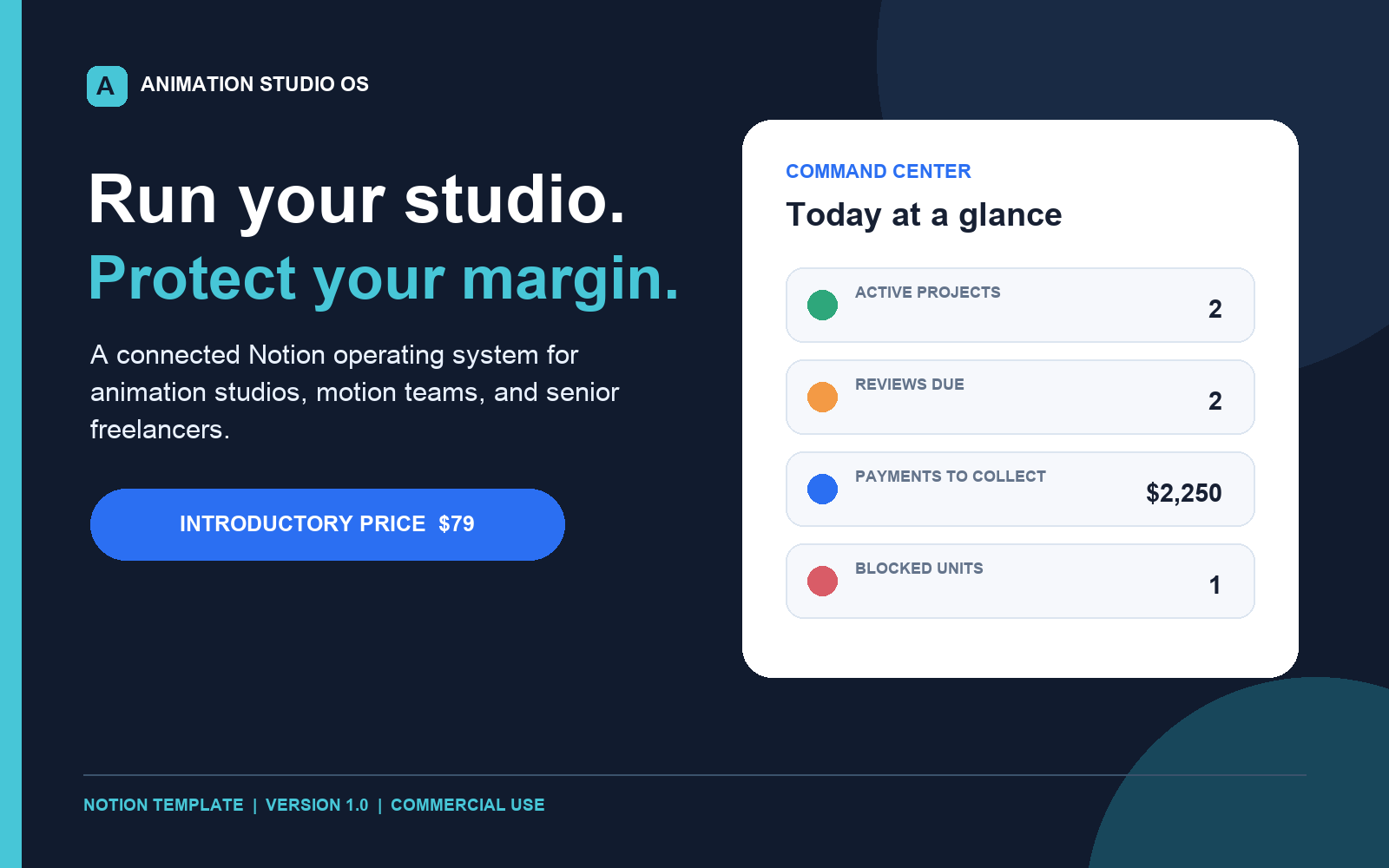
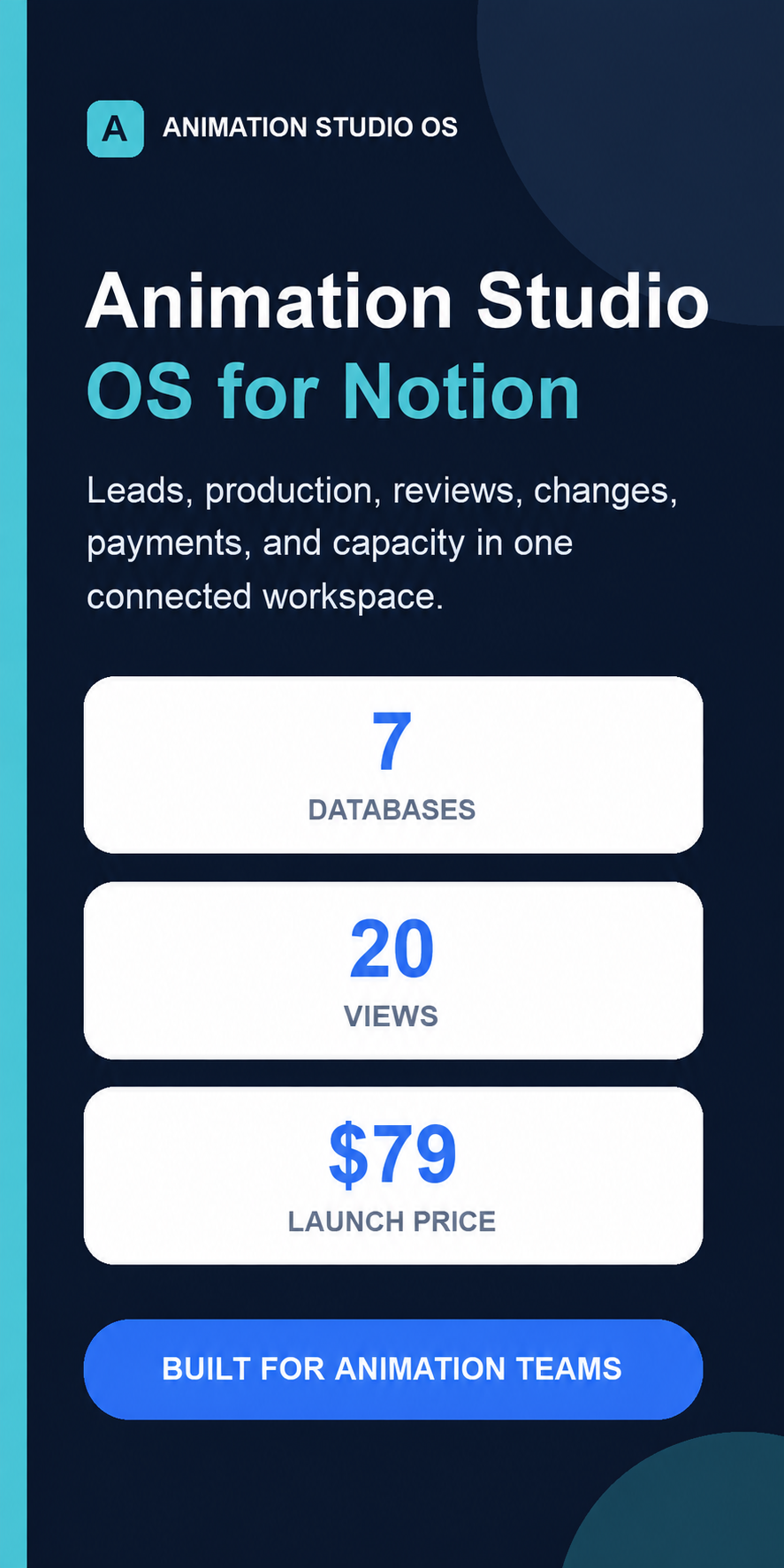
01Notion workspace
Animation Studio OS for Notion
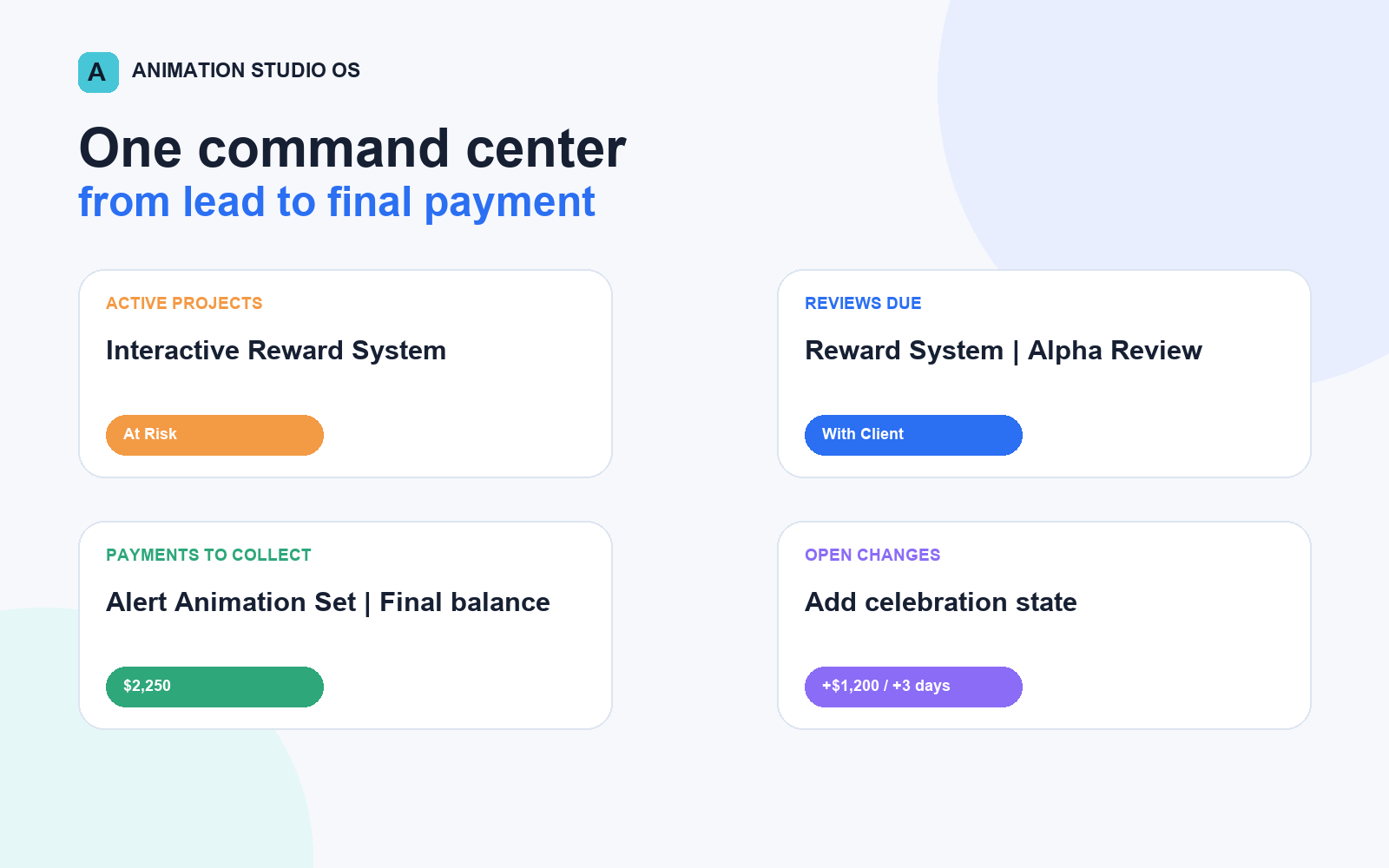
Connect leads, projects, production, reviews, scope changes, payments, and team capacity in one studio operating system.
Hedgehog Pants studio tools
Practical project management templates built for animation studios, motion design teams, creative producers, and senior freelancers.
Choose your system
Choose a connected Notion workspace, a full studio spreadsheet toolkit, a focused freelancer command center, or the complete freelancer business bundle.
01Notion workspace
Connect leads, projects, production, reviews, scope changes, payments, and team capacity in one studio operating system.
 02
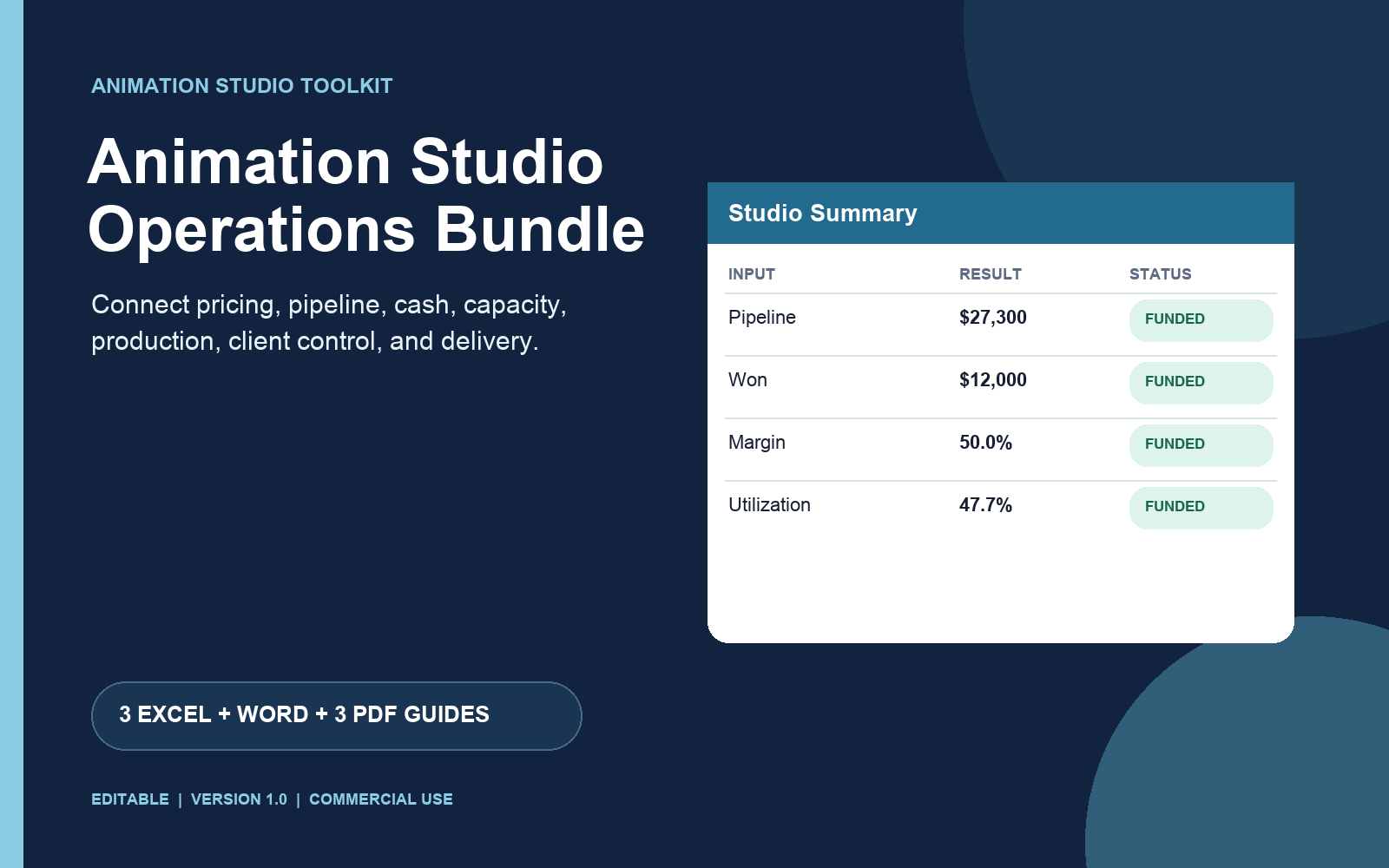
02Spreadsheet toolkit
Run pricing, production tracking, finance, capacity, and client delivery with a complete set of spreadsheet-based studio tools.
 03
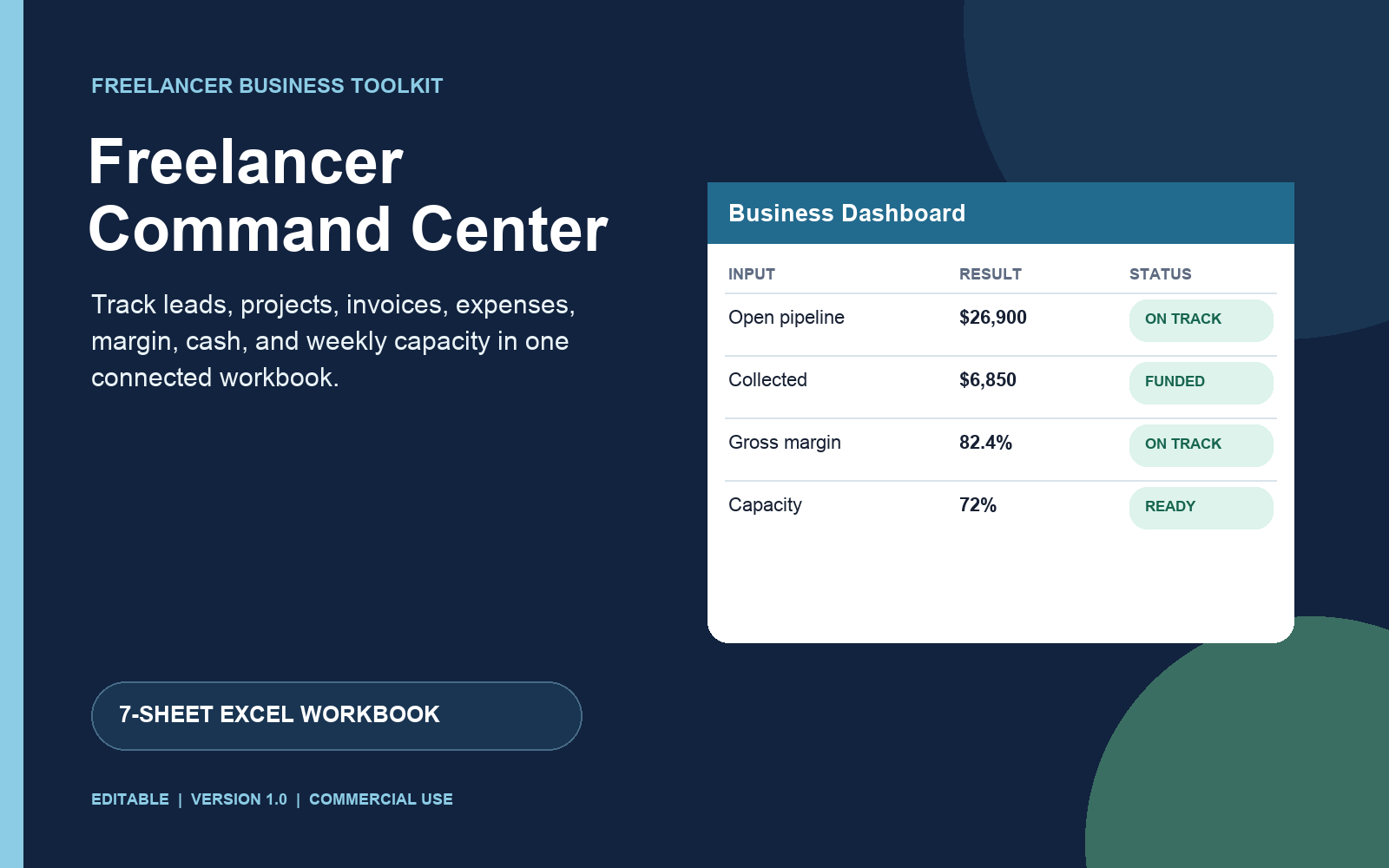
03Freelancer spreadsheet
Track leads, projects, invoices, expenses, margin, cash, and weekly capacity in one connected Excel workbook.
 04
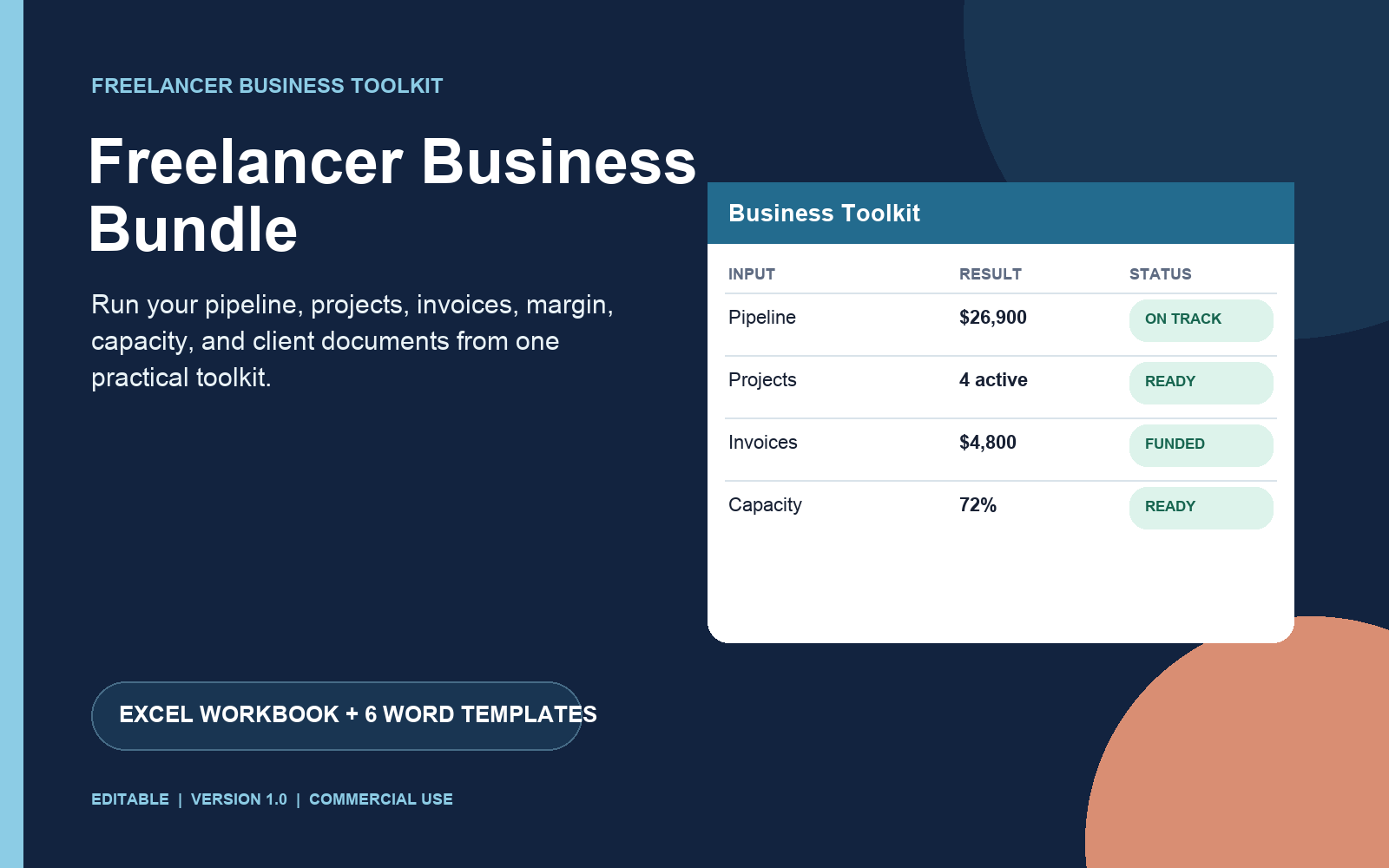
04Freelancer toolkit
Run your pipeline, projects, invoices, margin, and capacity with the connected workbook, then handle clients with six editable Word templates.
Built for animation production
The animation may be great while the business around it is quietly slipping. These tools make the invisible work visible before it becomes an emergency.
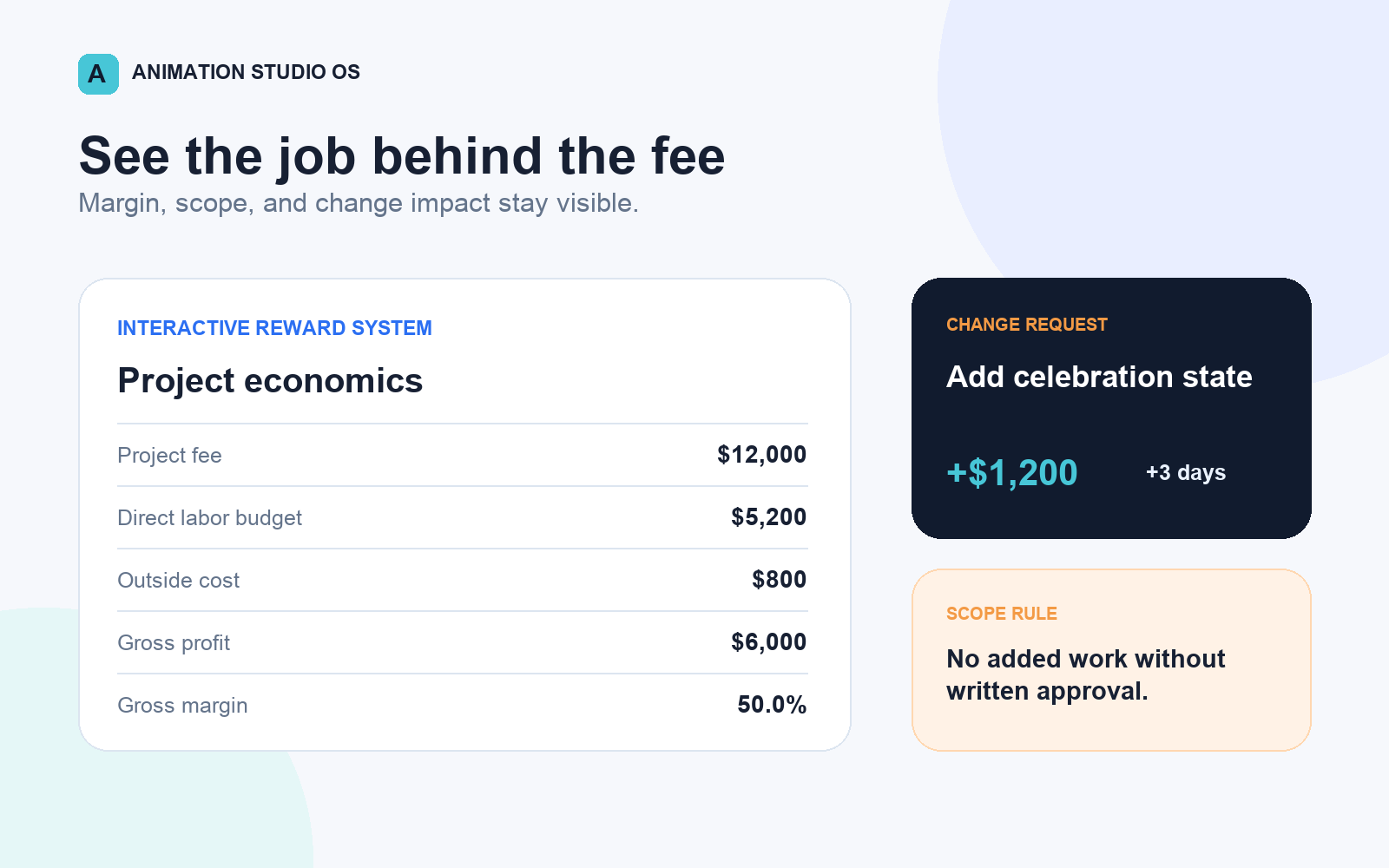
See project fees, costs, gross profit, and margin before a job becomes expensive.
Document scope changes and connect them to the project they affect.
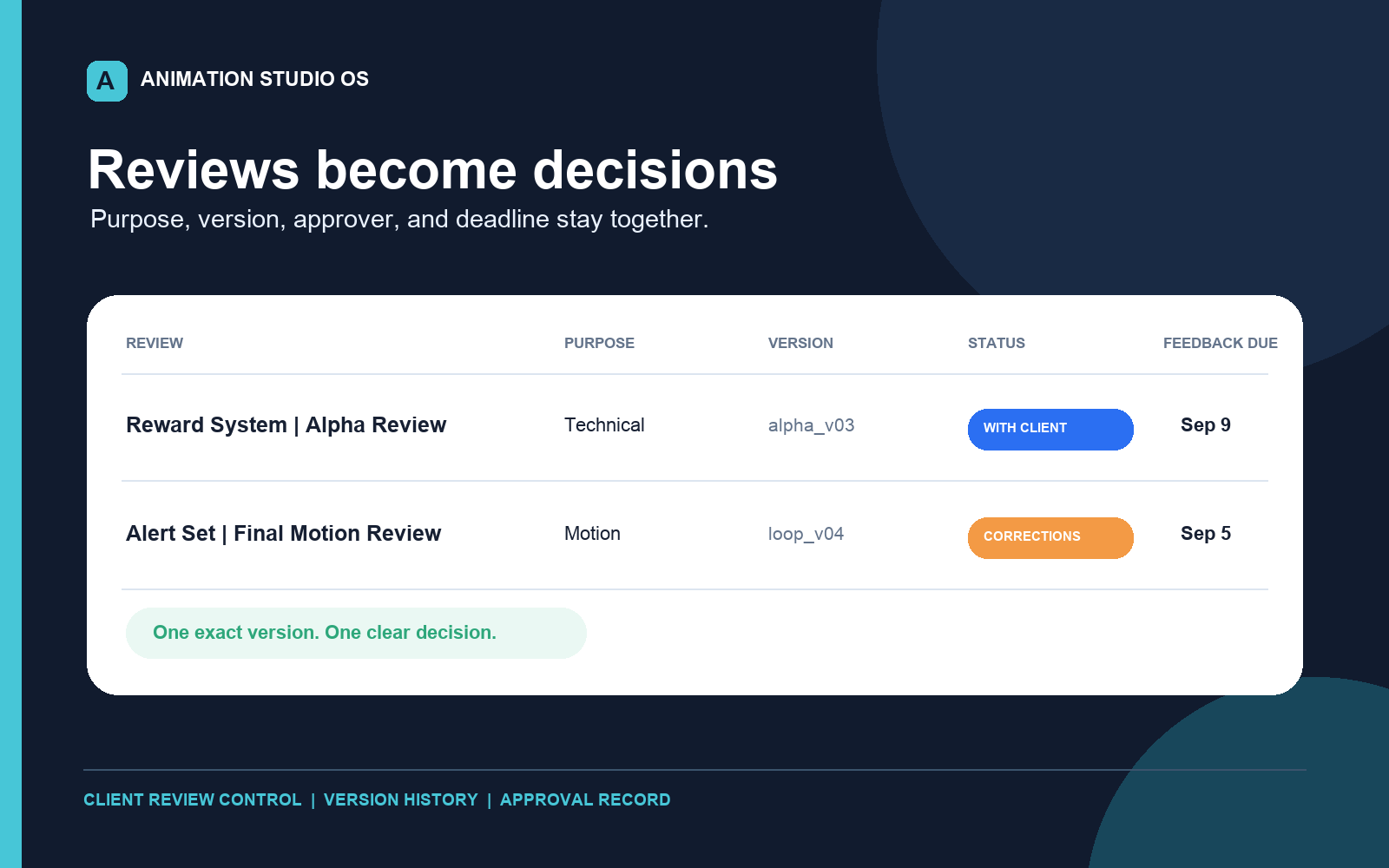
Track the review purpose, decision, owner, and next action in one place.
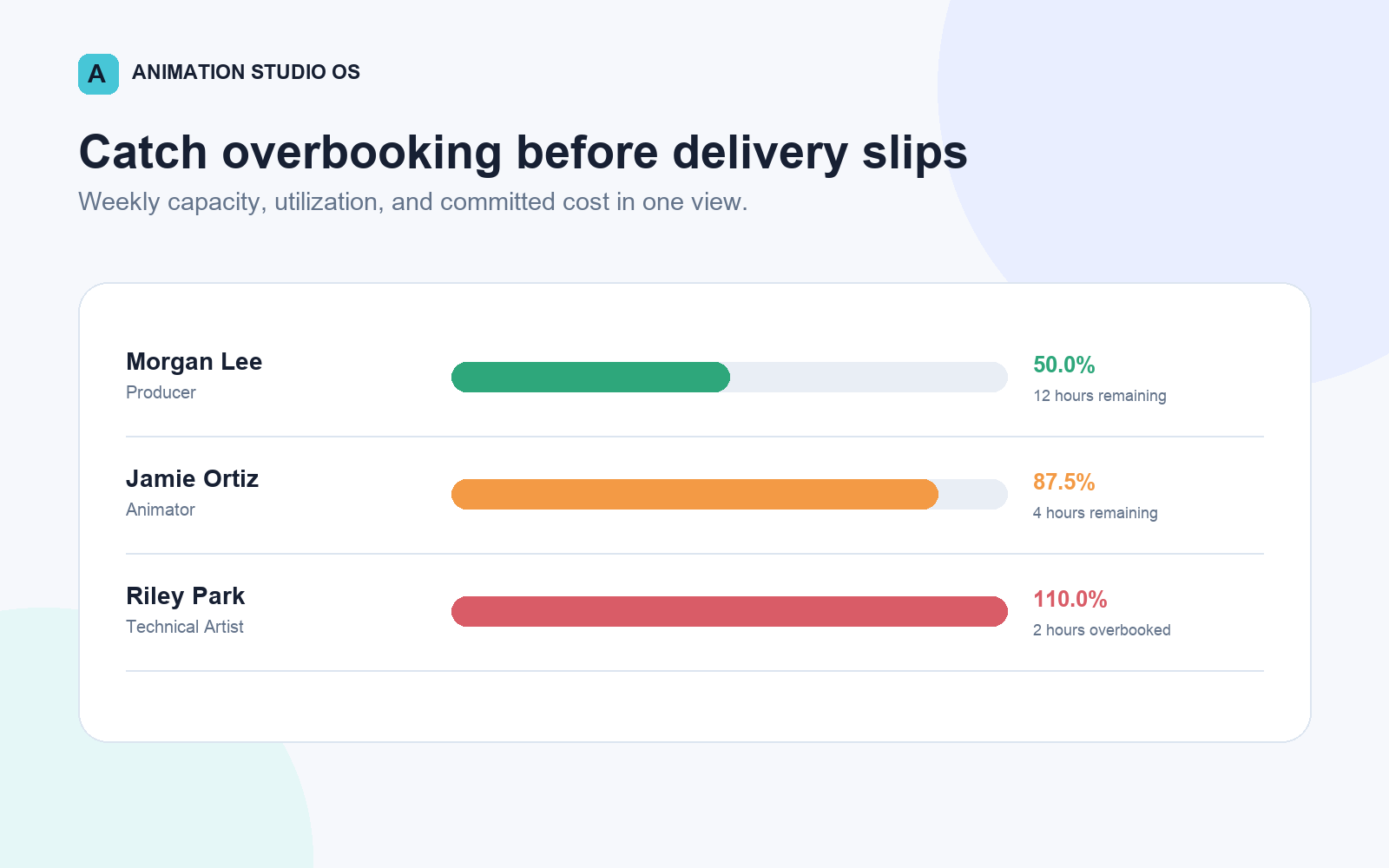
See who is committed, who is overloaded, and where the schedule can bend.
Inside Animation Studio OS
What you get
Questions, answered
Independent animation studios, motion design teams, Rive and Lottie specialists, creative producers, and senior freelancers moving toward repeatable studio operations.
Choose Animation Studio OS if you want a connected Notion workspace. Choose the Operations Bundle for a full animation-studio spreadsheet toolkit. Choose Freelancer Command Center if you only need one Excel system for sales, projects, money, and capacity. Choose Freelancer Business Bundle if you also want editable client intake, proposal, scope, change order, invoice, and closeout templates.
Yes. It includes setup guidance, an operating playbook, a buyer guide, fictional examples, and a commercial use license.
No. These products are management systems. Sample fees, costs, schedules, and probabilities are fictional examples, not market recommendations or promised results.
Ready to run cleaner?